PDF DOWNLOADS BY INSTAGRAM DM

More PDF downloads from Instagram DMs

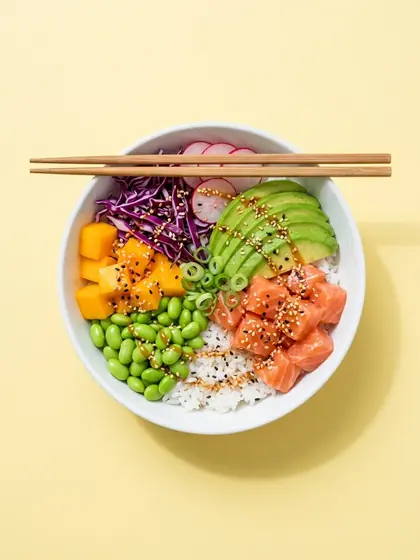
Ask people to comment PLAN on your meal prep Reel. CreatorFlow sends a link to your meal plan PDF by DM in seconds. You never send a file by hand.

  • Meta Tech Provider
  • 4.1/5 on Trustpilot
  • @mamimariu, 121K followers on Instagram@chic.outfit.studio, 201K followers on Instagram@sikusok, 1.4K followers on Instagram+35,000 creators & brands+35,000 creators

Send a PDF on Instagram, from comment to download

CreatorFlow is an Instagram DM automation tool built on Meta's official Graph API. When someone comments your keyword, it sends them a link to your PDF by DM, from your own account. A DM cannot carry the file itself, so you put the PDF online first.

  1. Your Reel

    You ask people to comment PLAN

    The caption tells people to comment PLAN for the free meal plan.

  2. The comment

    Nina comments PLAN

    Nina types PLAN, your keyword for the meal plan. CreatorFlow answers that one word.

  3. The DM

    Your meal plan arrives by DM

    Nina gets your message and a link to the PDF. She can open it again from the chat on Monday.

  4. The PDF

    Nina opens the meal plan

    One tap opens your PDF. Your contacts now show Nina and the automation she came from.
Free PDFs to send on Instagram by DM

Any PDF you can put online works, from templates to checklists. Give each PDF its own keyword.

  • Keyword: KIT

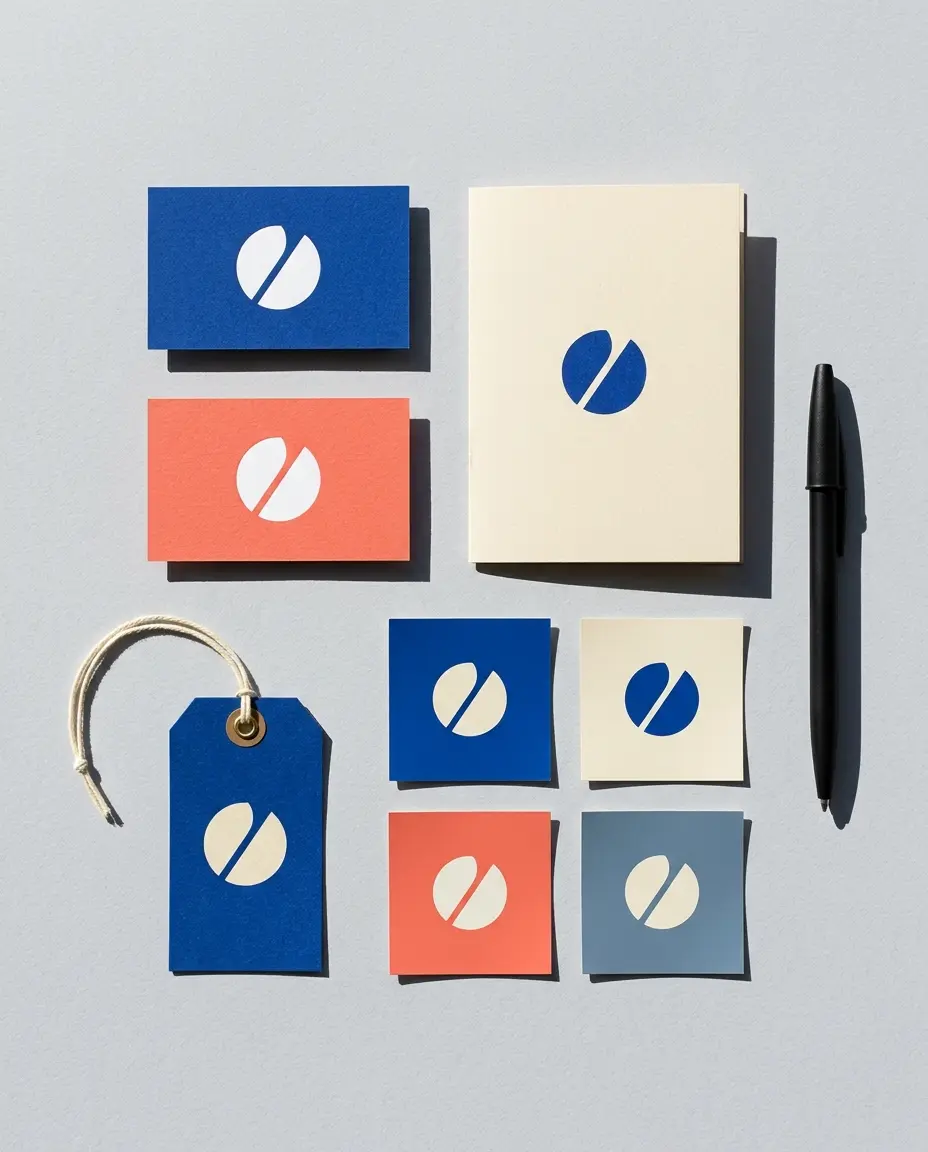
    Small businesses use your brand kit and see your style. They comment KIT and get a link to the files.

  • Keyword: LIST

    Couples bring your list to each venue they see. They comment LIST under your venue tour and get a link to the PDF.

  • Keyword: KNIT

    Knitters can start the beanie tonight. They comment KNIT and get a link to the free pattern.

How to send a PDF on Instagram in three steps

You need an Instagram Business or Creator account and your PDF online.

Get Started Free
  1. 1

    Connect Instagram

    Sign in with Google. Type your Instagram username and confirm on Instagram.

  2. 2

    Pick the Reel and add PLAN

    Choose one post, your next post or every post. Add PLAN as the keyword, or up to 20 keywords.

  3. 3

    Add the link to your PDF

    Put the PDF online and copy its link. Add the link as a button and press Start Automation.

How to test it Comment PLAN from a second Instagram account. CreatorFlow ignores your own account.

More PDF downloads from your Instagram posts

Add more buttons, ask for an email first, answer old comments and keep every contact. See what each plan includes on the pricing page.

Up to 3 link buttons in one DM

Each DM holds a message, one image and up to 3 link buttons. You see how many people tap each one.

Email Gate

Ask for an email before you send the link to your PDF. Every email is saved in your contacts.

Rewind

Comments you missed still count. Rewind sends your DM to people who commented on a recent post before your automation started.

One post, your next post or every post

Run the automation on one post, on your next one, or on every post you share.

Contacts and CSV export

Everyone who gets your PDF is saved, with their email if they gave it. Download the list as a CSV file.

Limits to know before you send a PDF on Instagram

The DM carries a link to your PDF, not the file. Check these before you upload your next PDF.

  • A link, not the file

    A DM cannot carry a PDF. Put the file online, and anyone with the link can open it.

  • Keywords, not every comment

    A comment without your keyword gets no DM, unless you choose Any word.

  • Whole words only

    PLAN matches "plan please". It does not match "plans".

  • Your own comments

    CreatorFlow ignores comments from your account. Test from a second account.

  • Business or Creator account

    Personal accounts cannot connect. You can switch for free in Instagram settings.

  • One DM per person

    Each person gets this automation once, with one optional step first. It does not send follow-ups.

  • Message requests

    People who do not follow you find the DM in their message requests.

  • Instagram hourly limit

    Instagram limits DMs per hour. CreatorFlow sends the rest later, and some may not arrive.

CreatorFlow reviews from real creators

Creators and brands on Instagram, in their own words. Read all reviews

  • “Finally have time to create instead of reply.”

    @mamimariu@mamimariu121K followers on Instagram
  • “Click-through rate doubled in week one.”

    @chic.outfit.studio@chic.outfit.studio201K followers on Instagram
  • “Everyone gets an instant response - not hours later.”

    @sikusok@sikusok1.4K followers on Instagram

Questions about sending a PDF on Instagram

Short answers about files, plans and account safety.

Do I need an Instagram Business or Creator account?

Yes. Instagram's messaging API only works with Business and Creator accounts, so a Personal account cannot send automated replies. Switching is free and takes about 30 seconds: open Instagram settings, go to Account type and tools, and choose Business or Creator. Your posts, followers and username stay exactly as they are.

Can I ask for an email before I send the file?

Yes, with Email Gate, on Pro and Growth. The DM asks the person for their email address before it sends the link to your PDF. When they type it, the link follows straight away. The address is saved in your contacts together with the post it came from. On Pro and Growth you can export the list as a CSV file and load it into any email tool.

Is there a free way to send PDFs on Instagram automatically?

Yes. CreatorFlow's Free plan includes 500 DMs per month and unlimited automations. You can run comment-to-DM, story replies and keyword DM replies on it. Paid plans raise the monthly DMs and add Public Reply, Rewind, Follow Gate, Email Gate, link tracking and CSV export. They do not add extra automation types.

How fast does the file link arrive?

The DM is sent seconds after the comment appears. Instagram tells CreatorFlow the moment someone comments, and the message follows straight away. Exact timing depends on Instagram's API, so CreatorFlow does not promise a fixed number of seconds. Someone who comments at three in the morning gets the link at three in the morning.

What happens if hundreds of people comment at once?

CreatorFlow answers each keyword comment in order. Instagram limits how many DMs an account can send per hour, so on a busy post CreatorFlow sends the rest later. Your plan's monthly DMs set the total, not the size of one post.

Is this safe for my Instagram account?

Yes. Every message is sent through Instagram's official Graph API, and CreatorFlow has been a Meta-approved Tech Provider since December 2025. There are no browser extensions, no unofficial workarounds and no password sharing. You connect through Meta's own login screen, and you can disconnect the account at any time from your CreatorFlow dashboard.

Also read: Collect emails by DM, Send links by DM, For digital product sellers.

Turn PLAN comments into PDF downloads

Ask people to comment PLAN on your next meal prep Reel. Paste the PDF link into the DM. People open your meal plan from the chat, and you send no files by hand.

  • Meta Tech Provider
  • 4.1/5 on Trustpilot
  • @mamimariu, 121K followers on Instagram@chic.outfit.studio, 201K followers on Instagram@sikusok, 1.4K followers on Instagram+35,000 creators & brands+35,000 creators