FOR SHOPIFY STORES ON INSTAGRAM

More Shopify sales with DM automation

CreatorFlow is an Instagram DM automation tool for Shopify stores. A shopper comments DROP on your launch Reel. Your summer collection arrives by DM. One tap, and they shop the new styles on launch day.

  • Meta Tech Provider
  • 4.1/5 on Trustpilot
  • @mamimariu, 121K followers on Instagram@chic.outfit.studio, 201K followers on Instagram@sikusok, 1.4K followers on Instagram+35,000 creators & brands+35,000 creators

Comment to DM, from your launch Reel to your summer collection

Emma needs a swimsuit for her trip. She sees your launch Reel on the morning of the drop.

  1. Your Reel

    Your launch Reel with the keyword DROP

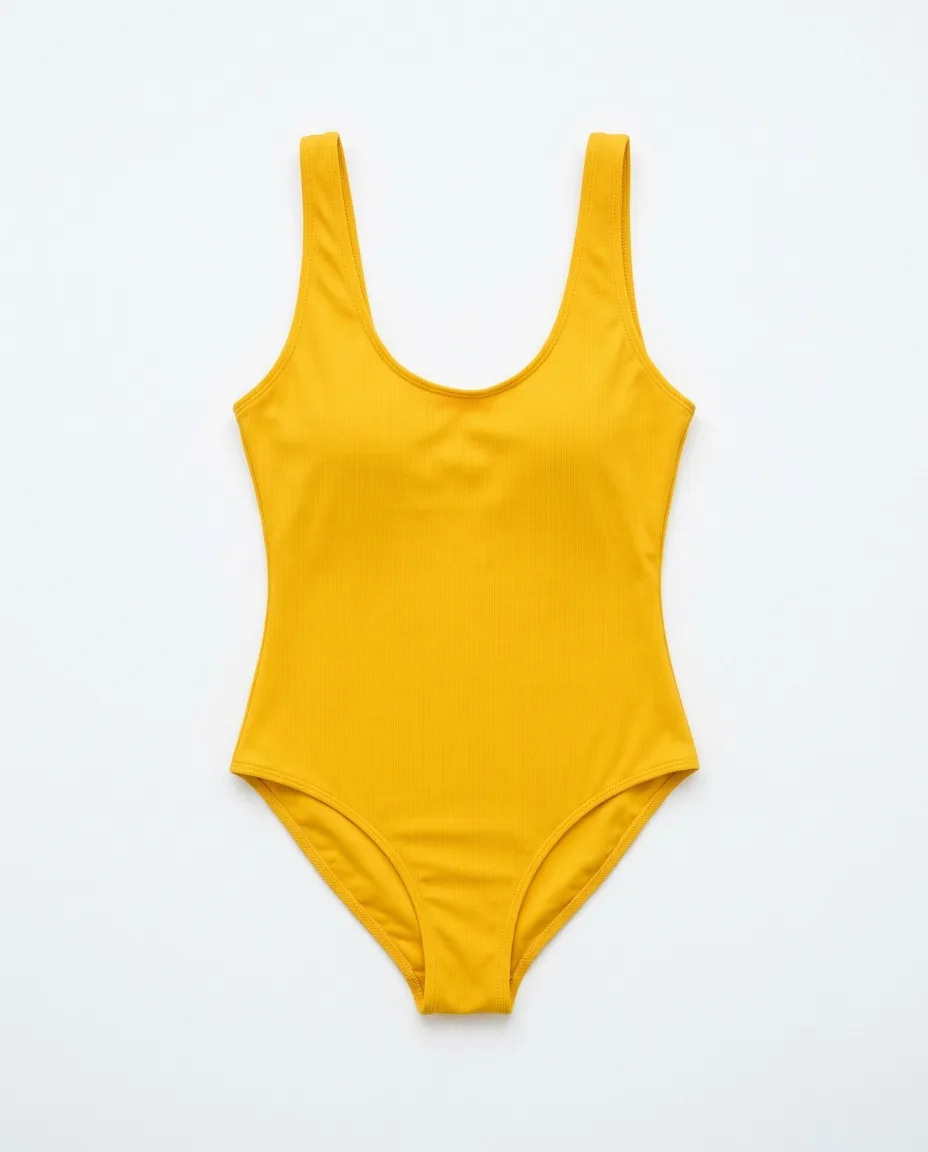
    You show the yellow suit on launch day. In the caption, you ask people to comment DROP.

  2. The comment

    Emma comments DROP under your Reel

    DROP is the word you chose for this Reel. Emma does not search your store for the new styles.

  3. The DM

    Your summer collection arrives by DM

    Emma gets your message and a button to the collection. The DM comes from your store's account.

  4. Your summer collection

    Emma opens the collection and orders

    The yellow suit sits at the top of the page. Your Shopify checkout takes the order.
Instagram auto-reply for restocks, codes and fit guides

A sold-out suit returns, a code runs for a weekend, and people ask about sizes. Each one gets its own keyword.

Get Started Free
  • Post comments · BACK

    Restock posts that bring buyers back

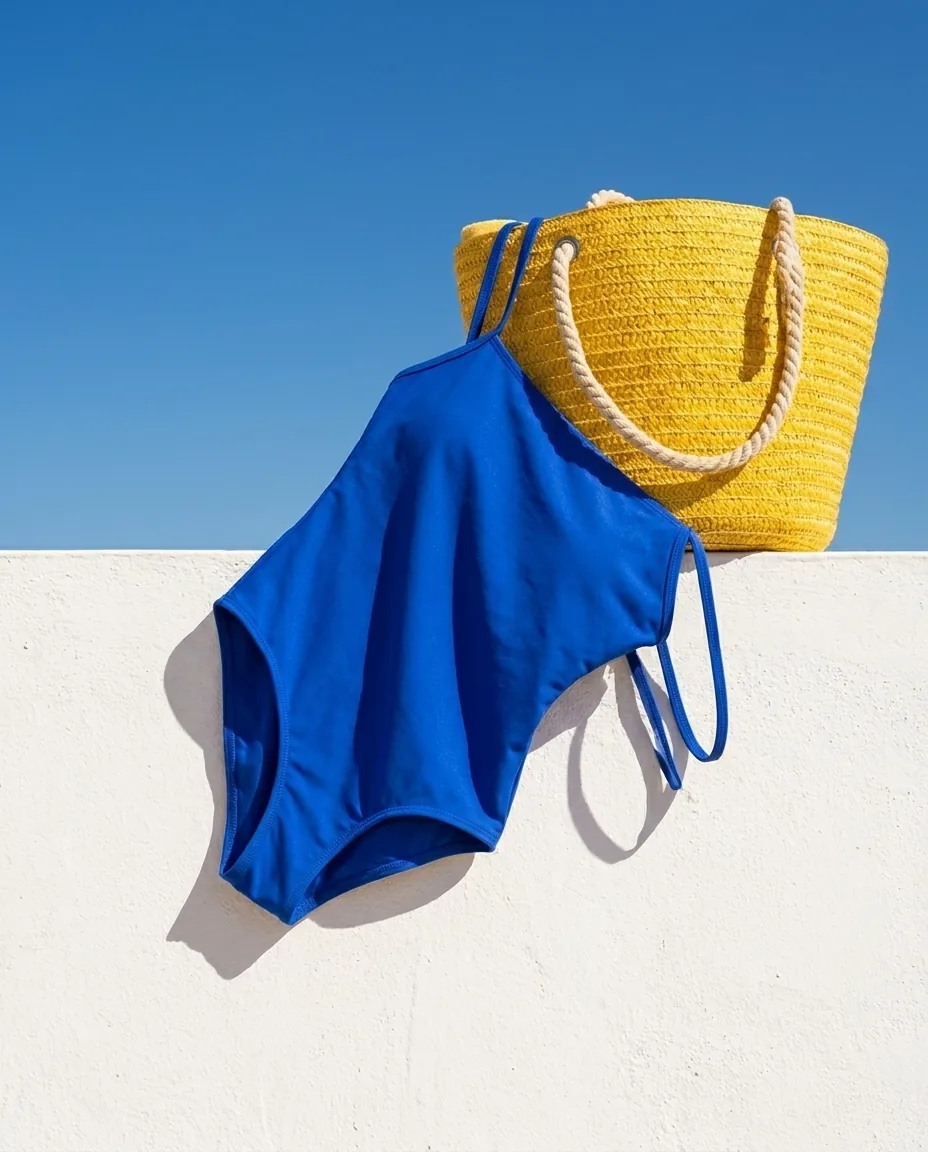
    Buyers who missed the blue suit get a second chance. They comment BACK and get the product page by DM.

  • Story replies · CODE

    A weekend code people use at checkout

    People keep your weekend code in their DMs after the Story ends. They reply CODE and get it with a button to your store.

  • Keyword DMs · FIT

    A fit guide that answers "which size?"

    Shoppers pick the right size before they order. They send you FIT and get your fit guide by DM.

Auto-send your summer collection by Instagram DM

On launch day, the comments ask for the link in the same minute. You write one DM before the drop, and CreatorFlow sends it.

By hand

  • ✕You watch Shopify orders and Instagram comments at the same time.
  • ✕You reply with the style name, and people search your store for it.
  • ✕You paste the discount code again in each reply.

With CreatorFlow

  • You write the DM before the drop, then watch your orders.
  • The button opens the summer collection, with the yellow suit at the top.
  • The code sits in the message you wrote once.

Start Instagram DM automation for your Shopify store in three steps

You need a Google account and an Instagram Business or Creator account. You install nothing in Shopify.

Get Started Free
  1. 1

    Connect your store's Instagram

    Sign in with Google. Type your Instagram username and confirm on Instagram.

  2. 2

    Pick your launch Reel and add DROP

    Choose your next Reel before the drop, or a Reel that is live. Add DROP as the keyword.

  3. 3

    Write the DM with your collection link

    Copy the collection link from your store. Add it as a button. Press Start Automation.

How to test it Comment from a second Instagram account. CreatorFlow ignores comments from your own account.

What CreatorFlow can and cannot do for Shopify stores

Check these before your first drop.

What you can set

  • Send a product page, a collection or any other page from your store.
  • Type a code you made in Shopify Discounts into the message.
  • Set the automation on your next Reel before launch day.
  • Put the suit, the bag and the fit guide in one DM, as 3 link buttons.
  • See how many people click each link, with link tracking.

What to know first

  • CreatorFlow does not connect to Shopify. There is no app, and you give no access to your store. You paste the link.
  • CreatorFlow cannot see your stock or orders. If a style is sold out, pause the automation or change the link.
  • People who do not follow you find the DM in Message Requests.
  • Instagram limits DMs per hour. CreatorFlow sends the rest later, and some may not arrive.
  • Each automation sends one DM, with one optional step before it. There are no follow-up messages.
  • CreatorFlow works with Instagram only. It cannot send a DM when someone follows you.

Your account

  • CreatorFlow is a Meta-approved Tech Provider.
  • It uses the official Instagram API. There is no browser extension.
  • You connect Instagram on Instagram's own screen. CreatorFlow does not see your password.
  • It only sends DMs to people who contacted you first.
How CreatorFlow protects your account →

What it costs

Start on the free plan. You pay for a plan, not for each contact. Public Reply, Rewind, Follow Gate, Email Gate, link tracking and CSV export are on Pro and Growth. Pro and Growth start with a 14-day free trial.

  • Free$0 a month500 DMs a month
  • Pro$15 a month5,000 DMs a month
  • Growth$30 a month10,000 DMs a month
See all plans →

CreatorFlow reviews from Instagram creators

Creators on Instagram, in their own words.

  • “Finally have time to create instead of reply.”

    @mamimariu@mamimariu121K followers on Instagram
  • “Click-through rate doubled in week one.”

    @chic.outfit.studio@chic.outfit.studio201K followers on Instagram
  • “Everyone gets an instant response, not hours later.”

    @sikusok@sikusok1.4K followers on Instagram
Rated 4.1/5 on TrustpilotRead all reviews

Instagram DM automation questions from Shopify stores

Short answers about apps, codes and your store.

More for online storesHow CreatorFlow worksFor WooCommerce storesFor ecommerce sellersSend links by DM

Is there a CreatorFlow app in the Shopify App Store?

No. No app exists and you do not need one. You copy a link from your store and paste it into the DM.

Do I give CreatorFlow access to my Shopify admin?

No. CreatorFlow has no connection with your store. It connects only to your Instagram account.

Can it create a Shopify discount code?

No. You create the code in Shopify and type it in your message. CreatorFlow does not count how many people use it.

Can the DM show a customer's cart or order status?

No. CreatorFlow cannot see carts or orders. For a question about an order, a person on your team replies in the chat.

Can I see sales from each Reel?

No. Link tracking on Pro and Growth shows clicks. Your sales numbers stay in Shopify.

We have two stores. Can I run both?

Yes, if each store has its own Instagram account. A workspace holds one account. Pro has 2 workspaces and Growth has 5.

Launch day orders from your Reel comments

Add DROP to your next Reel. Put your summer collection in the DM. People who comment DROP get it on launch morning, while you watch your orders.

  • Meta Tech Provider
  • 4.1/5 on Trustpilot
  • @mamimariu, 121K followers on Instagram@chic.outfit.studio, 201K followers on Instagram@sikusok, 1.4K followers on Instagram+35,000 creators & brands+35,000 creators