INSTAGRAM DM TEMPLATE
Ebook delivery DM template for Instagram
This template sends your ebook in a DM when someone comments a keyword. CreatorFlow sends files as a link, so you host the PDF and add the link. Copy a message below, change the title, and start.
- Meta Tech Provider
- 4.1/5 on Trustpilot


 +35,000 creators & brands+35,000 creators


From comment to download
Dana is an example account.
Dana comments SMOOTHIE
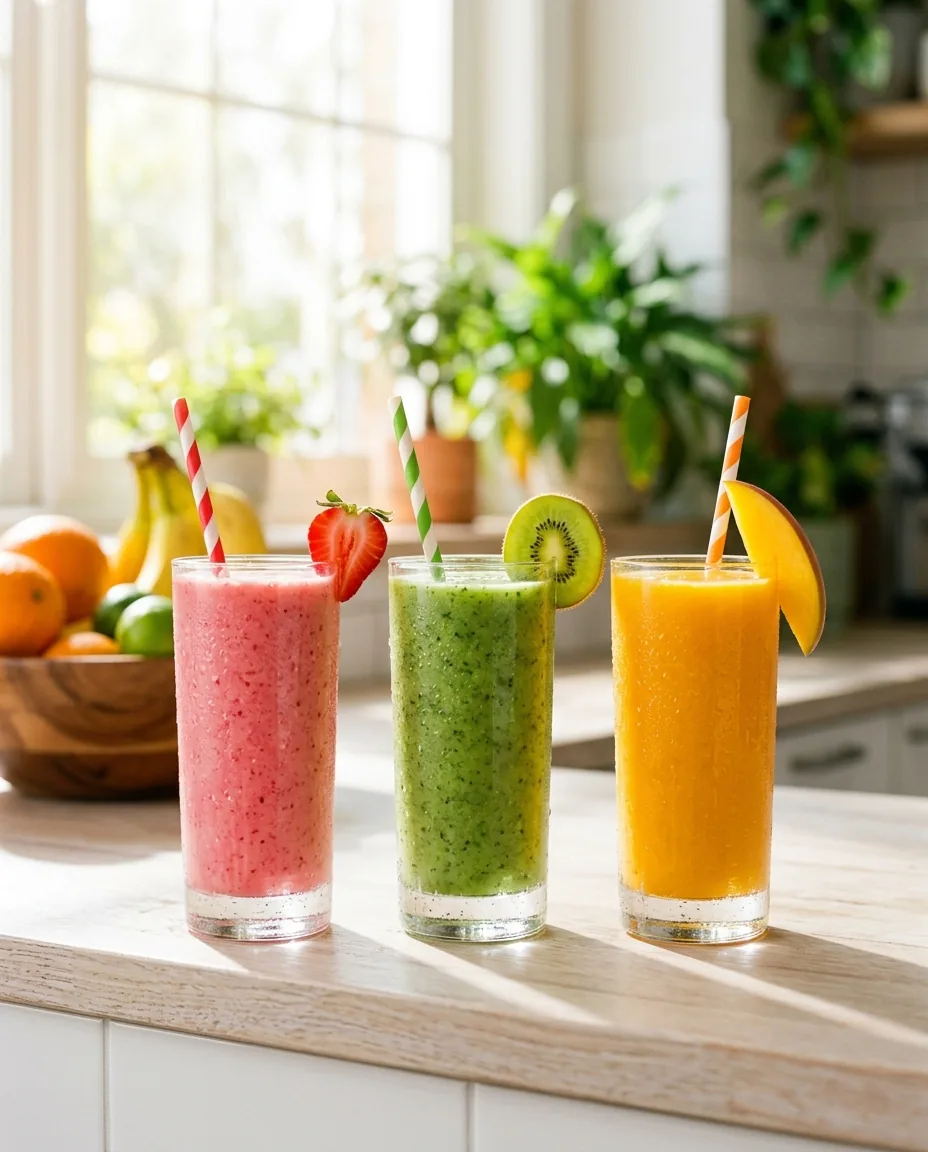
Dana sees the recipe Reel and wants the ebook.
Dana gets the DM
The DM names the ebook and holds the link.
Dana opens the PDF
The button opens the file on your page.
 ben.fuel
 dana.w
Messages to copy
Name the file, so people know what they tap.
Keyword SMOOTHIE
Here is your free smoothie ebook. Tap the button to open it.
Keyword EBOOK
Here is the ebook you asked for. Tap the button to download it. If the file does not open, reply here and tell me.
Keyword GUIDE
Your copy is ready. Tap the button to open the guide on your phone or your computer.
Keyword PLAN
Type your email here and I will send the ebook right after. I only use your email for my newsletter.
Setup
- 1
Host the file
Put the PDF on a page you control. CreatorFlow sends files as a link, not as an attachment.
- 2
Add the link as a button
Use a clear button label, such as Open the ebook.
- 3
Pick the keyword
Use the title of the ebook as the keyword. Add up to 20 keywords if people ask in different ways.
Where this template fits
The PLAN message uses Email Gate. It is on Pro and Growth. Without Email Gate, use the other three messages.
Free ebooks and PDFs
The reader asks in a comment and gets the file in a DM.
Paid ebooks
Send the link to your checkout page instead of the file.
Checklists and templates
Any file that has a link works, such as a checklist or a spreadsheet.
Questions about this template
Short answers before you set it up.
Can CreatorFlow send a PDF as an attachment?
No. Files and video go in as a link. Host the file and add the link as a button.
Where should I host the file?
Anywhere that gives you a link, such as your website or a cloud storage folder.
Can I ask for an email before the ebook?
Yes, with Email Gate on Pro and Growth. The emails appear on your Contacts page.
Do people who do not follow me get the ebook?
Yes. People who do not follow you find the DM in their Message Requests.
Also read: Send links in DMs, Collect emails from Instagram, Comment lead capture template, How CreatorFlow works.
Set up this automation in CreatorFlow
Pick the post, add SMOOTHIE as the keyword and paste the message.
- Meta Tech Provider
- 4.1/5 on Trustpilot
- +35,000 creators & brands+35,000 creators