INSTAGRAM DM TEMPLATE
Keyword link DM template for Instagram
This template sends one link when someone uses your keyword. Make one automation each for comments, Story replies and DMs. Use it for the question you answer every day. Copy a message below and add your link.
- Meta Tech Provider
- 4.1/5 on Trustpilot


 +35,000 creators & brands+35,000 creators


From keyword to link
Sam is an example account. Cove walks writes about coast walks.
Sam comments ROUTE
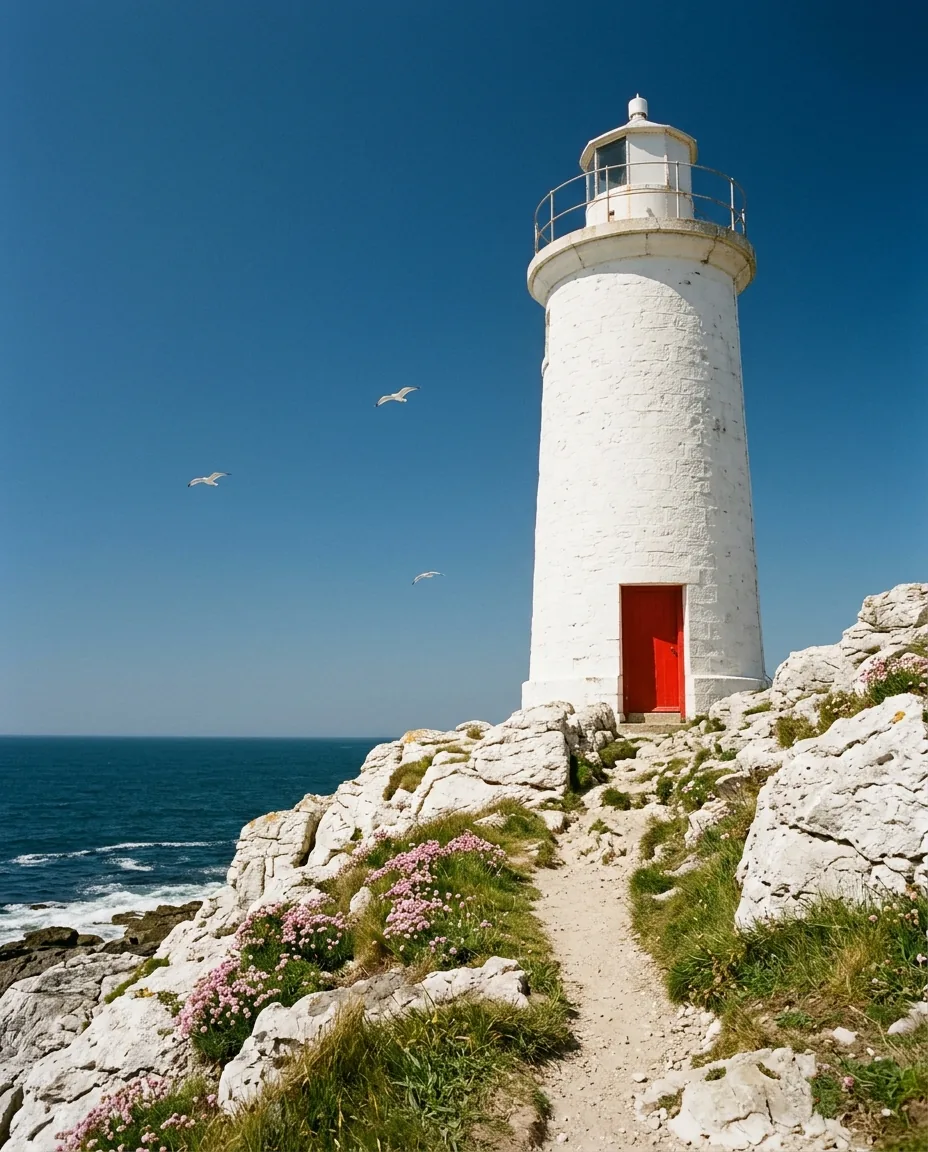
Sam sees the lighthouse photo and asks for the route.
Sam gets the link
The DM holds the route link and one line about parking.
Sam opens the map
The button opens the route page.
 cove.walks
 sam.t
Messages to copy
Answer the question in the first sentence. Then give the link.
Keyword ROUTE
Here is the walking route to the lighthouse. The map shows where to park.
Keyword MAP
Here is the printable map. Save it to your phone before you leave, because some parts of the coast have no signal.
Keyword PARKING
Here is the page about parking. It lists the three car parks closest to the start.
Keyword KIT
Here is my packing list for the walk. Tap the button to open it.
Setup
- 1
Pick the question you answer most
Look at your comments and DMs. Choose the one link people ask for again and again.
- 2
Add keywords
Add up to 20 keywords, such as ROUTE, MAP and WALK. Matching ignores upper or lower case.
- 3
Make one automation for each trigger
A comment, a Story reply and a DM each need their own automation. The message can be the same.
Where this template fits
Test from a second Instagram account. CreatorFlow ignores your own comments. You need a professional account, Business or Creator.
People who comment
Add the keyword to the caption. CreatorFlow sends a DM for each matching comment.
People who send a DM
Someone sends ROUTE in a DM. The Keyword DM reply trigger sends the link.
People who reply to a Story
Ask a question in a Story. Anyone who replies with the keyword gets the link.
Questions about this template
Short answers before you set it up.
Which triggers can send a keyword link?
Three: a comment on a post, a reply to a Story and a keyword in a DM.
How many keywords can one automation have?
Up to 20 keywords.
Does the keyword need capital letters?
No. Matching ignores upper or lower case.
Can I send more than one link?
Yes. One DM holds up to 3 link buttons.
Also read: Auto reply to DMs, Send links in DMs, Reply to comments with a DM, How CreatorFlow works.
Set up this automation in CreatorFlow
Pick the post, add ROUTE as the keyword and paste the message.
- Meta Tech Provider
- 4.1/5 on Trustpilot
- +35,000 creators & brands+35,000 creators