INSTAGRAM PRODUCT LAUNCH AUTOMATION

More orders from Instagram product launches

Turn on CreatorFlow for your next post before launch day. Then ask people to comment LAUNCH. CreatorFlow sends your product link by DM in seconds. They can buy while the launch is new.

  • Meta Tech Provider
  • 4.1/5 on Trustpilot
  • @mamimariu, 121K followers on Instagram@chic.outfit.studio, 201K followers on Instagram@sikusok, 1.4K followers on Instagram+35,000 creators & brands+35,000 creators

Instagram product launch DMs from the first comment

CreatorFlow is an Instagram DM automation tool built on Meta's official Graph API. When someone comments your keyword on a launch post, it sends them your product link by DM, from your own account. You can turn it on for your next post before you publish.

  1. Your Reel

    You ask people to comment LAUNCH

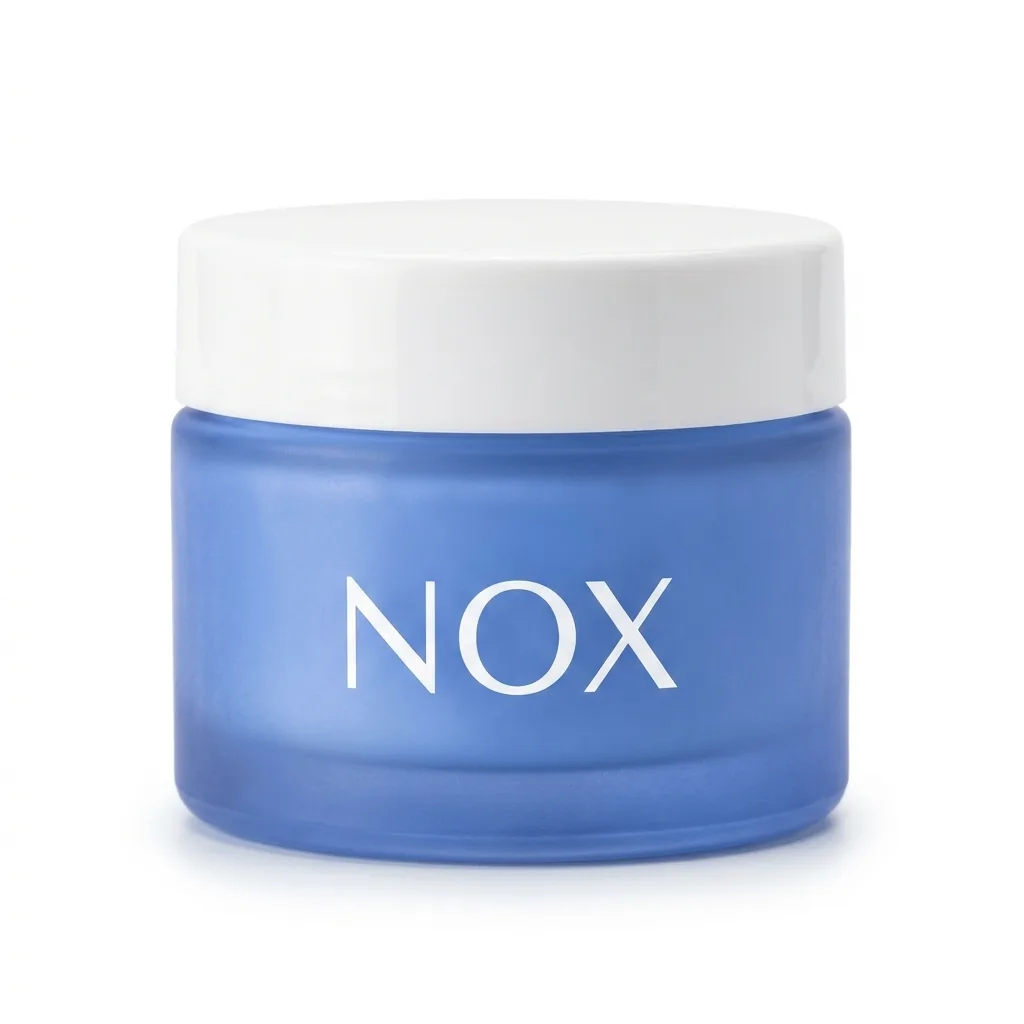
    The Reel shows the new NOX night cream. The caption tells people to comment LAUNCH for the link.

  2. The comment

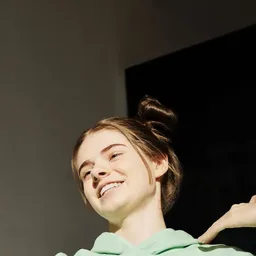
    Maya comments LAUNCH

    LAUNCH is your keyword. The automation was ready before you posted.

  3. The DM

    Your product link arrives by DM

    Maya gets your message and a Shop button on launch morning. It comes from nox.skin, the brand she just watched.

  4. The order

    Maya opens the page and orders

    One tap opens your product page. Maya is saved in your contacts.

Instagram product launch ideas to copy

Use a keyword before launch day and on the day. Give each launch post its own keyword.

  • Keyword: EARLY

    Your first buyers see the lamp before anyone else. They comment EARLY on your preview post and get the early access page.

  • Keyword: CODE

    The code stays out of the public comments. People comment CODE and get 10% off by DM.

  • Keyword: PRICE

    You answer the price question once, in your message. People comment PRICE and get the price list by DM.

How to automate an Instagram product launch

Get it ready before launch day. Your Instagram must be a Business or Creator account.

Get Started Free
  1. 1

    Connect Instagram

    Sign in with Google. Type your Instagram username and confirm on Instagram.

  2. 2

    Pick your next post and add LAUNCH

    Choose Next post or reel before launch day. Add LAUNCH as the keyword, or up to 20 keywords.

  3. 3

    Write the DM and add your product link

    Write your message and add your product link as a button. Press Start Automation.

How to test it Comment LAUNCH from a second Instagram account. CreatorFlow ignores your own account.

Instagram product launch automation features

Get ready before you post, add buttons, ask for an email and reply in public. See what each plan includes on the pricing page.

Up to 3 link buttons in one DM

Each DM holds a message, one image and up to 3 link buttons. You see how many people tap each one.

Ready on your next post

Choose your next post before launch day. The automation starts the moment you publish.

Email Gate

Build a waitlist before launch day. People give their email in the DM. You email them when you launch.

Public Reply

Reply under the comment too, so others see that you answered. Write up to 5 replies and CreatorFlow picks one at random.

Contacts and CSV export

Everyone who gets your link is saved. Download the list as a CSV file before your next launch.

Instagram product launch limits to know first

Launch day brings the most comments at once. Check these a week before launch.

  • Keywords, not every comment

    A comment without your keyword gets no DM, unless you choose Any word.

  • Whole words only

    LAUNCH matches "launch please". It does not match "launched".

  • One DM per person

    Each person gets this automation once, with one optional step first. People on a waitlist get no second DM when you launch.

  • Check your monthly DMs

    Each DM counts once against your plan's monthly DMs. Check your plan before launch day.

  • Your own comments

    CreatorFlow ignores comments from your account. Test from a second account.

  • Business or Creator account

    Personal accounts cannot connect. You can switch for free in Instagram settings.

  • Message requests

    People who do not follow you find the DM in their message requests.

  • Instagram hourly limit

    Instagram limits DMs per hour. CreatorFlow sends the rest later, and some may not arrive.

CreatorFlow reviews from real creators

Creators and brands on Instagram, in their own words. Read all reviews

  • “Finally have time to create instead of reply.”

    @mamimariu@mamimariu121K followers on Instagram
  • “Click-through rate doubled in week one.”

    @chic.outfit.studio@chic.outfit.studio201K followers on Instagram
  • “Everyone gets an instant response - not hours later.”

    @sikusok@sikusok1.4K followers on Instagram

Questions about Instagram product launches

Short answers about setup, plans and launch day.

Do I need an Instagram Business or Creator account?

Yes. Instagram's messaging API only works with Business and Creator accounts, so a Personal account cannot send automated DMs. Switching is free and takes about 30 seconds. Open Instagram settings, go to Account type and tools, and choose Business or Creator. Your posts, your followers and your username stay exactly as they are.

What happens when hundreds of people comment at once?

CreatorFlow answers each keyword comment in order. Instagram limits how many DMs an account can send per hour, so on a busy launch post CreatorFlow sends the rest later, and some may not arrive. Each DM counts once against your monthly DM amount, so check your plan before launch day.

How fast does the DM arrive after someone comments?

CreatorFlow sends the DM seconds after the comment appears. Instagram sends CreatorFlow a webhook the moment someone comments, and CreatorFlow sends the reply straight away. Exact timing depends on Instagram's API and on how many comments arrive at the same time, so CreatorFlow does not promise a fixed number of seconds.

Is there a free way to run a launch automation?

Yes. The Free plan includes 500 DMs per month and unlimited automations. Comment-to-DM, story reply automation and keyword DM reply all work on it. Paid plans raise the monthly DMs and add Public Reply, Rewind, Follow Gate, Email Gate, link tracking and CSV export. Pro gives 5,000 DMs per month per workspace and Growth gives 10,000. Pricing is in USD.

How do I stop the launch automation after the launch?

Open the automation in CreatorFlow and press Pause. New comments then get no DM. Your post, its comments and the DMs you already sent stay as they are. The contacts you collected stay in your contacts, and on Pro and Growth you can export them as a CSV file. Press Resume when you want it to run again.

Can I move my launch contacts into my email tool?

Yes, with CSV export on Pro and Growth. Every contact is stored with their Instagram handle, the automation that captured them, any email address they gave and their engagement history. Export the list as a CSV file and import it into any email platform. CreatorFlow does not sync directly with email tools, so the CSV file is how you move the list.

Also read: Send discount codes, Comments into sales, For brands.

Send your product link when someone comments LAUNCH

Turn on the automation for your launch post before you publish. Put your product link in the DM. Buyers can order on the first morning.

  • Meta Tech Provider
  • 4.1/5 on Trustpilot
  • @mamimariu, 121K followers on Instagram@chic.outfit.studio, 201K followers on Instagram@sikusok, 1.4K followers on Instagram+35,000 creators & brands+35,000 creators